



An accepted quote becomes an order in your ERP, the customer gets a confirmation, and the warehouse sees it the same minute.
Process automation
Business process automation services for the work your team repeats every week
Somebody on your team opens an email, retypes the numbers into your ERP, and does it ninety more times before Friday. We build the software that runs that job instead, inside the systems you already pay for. The code sits in your repository, the automation runs on your infrastructure, and the rules are written down where a person can read them.
- We time the task before and after, so the saving is a number
- Every flow documented and handed over
- Anything outside the rules goes to a person to decide
- You own the code, and the exit terms are in the contract
PythonNode.jsPHPLaravelSymfonyJavaScriptMySQLMongoDBRedisElasticsearchAWSGit
What it is
Business process automation services take a rules-based job off your team
Business process automation means handing a rules-based job to software. An order arrives, the data lands in your ERP, the pick ticket prints, the warehouse hears about it. A person walks that route today. Written down as rules, software can walk it instead.
The work is in the rules, not in the robot. Which cases run on their own. Which ones stop and wait for a human. What the flow does when a system is down for an hour. That part takes longer than the code, and it is what keeps an automation alive two years out.
One distinction worth having early. Integration is getting two systems to share data. Automation is getting a job to run on its own, and it usually needs an integration underneath it. If your real problem is that your ERP and your store disagree about stock, start with systems integration services.

What gets automated
Software takes the part of the job that is the same every time
The part that changes case by case belongs to a person. Telling those two apart is half the project, and it happens before anyone writes code.
Scope
The processes we automate most
Vendor invoices, packing slips and PDFs read and posted to the right account. Open, read, copy, paste, a hundred times over becomes one approval screen.
The Monday sales report. The low stock warning. The renewal that is thirty days out. Work that depends on somebody remembering runs on a schedule instead.
A new customer, a new hire, a new claim. Twenty small steps across four systems, launched once and finished all the way through.
Sorting inbound email, pulling the terms out of a forty page contract, drafting a first reply. A model reads, a person signs off wherever being wrong would cost you.
Its own chapter
Automating invoicing
If one process repeats in every company, it is invoicing, which is why it gets a chapter of its own. There are four stretches to it, and each one is taken on separately.
The invoicing circuit
Four stretches
Each stretch switches on by itself. You start with whichever one eats the most time.
- Issuing. Invoices built from closed orders or delivery notes, sent to the customer and logged, without anyone retyping a line.
- Bills received. Vendor invoice data pulled off the PDF and written into your system, with a quick human check before anything is posted.
- Collections. Due-date reminders and past-due notices that go out on their own, in the wording and on the schedule you set.
- Matching. Automatic checks across orders, delivery notes and invoices, so a mismatch gets caught before it reaches the customer or the bank.
One boundary worth stating up front. Your invoicing or accounting system stays the system of record, and it is the piece that has to satisfy your auditors and your tax filings. We automate the process around it. If the one you have cannot support what you want to automate, you hear that before we build anything on top of it.
Comparison
A subscription tool, or a custom automation
Zapier, Make and n8n connect popular apps with very little setup, and for a long list of jobs they are the right answer. We check for that on the first call and we say so when yours is one of them. This is the comparison that usually settles it.
| Where it matters | Subscription tool | Custom automation |
|---|---|---|
| Up-front cost | Very low | A project, quoted before it starts |
| What it costs monthly | A seat or task fee that grows with volume | No fee per operation |
| Systems it reaches | Whatever has an official connector | Anything with an API, a file drop or a database, your own software included |
| Complex rules and exceptions | Within what the builder allows | Whatever your process actually does |
| High operation volume | Gets expensive or hits a ceiling | Built to take the volume |
| Where the logic lives | On the vendor’s platform | In your own infrastructure, in your repository |
| When to pick it | Light volume between standard apps | A process the business depends on, heavy volume, or software nobody else connects to |
Most companies end up running both: the subscription tool for the small stuff between two SaaS apps, custom work for the flows the business depends on. Sorting which is which costs you one conversation.
Ownership
You own the code, the documentation and the credentials
This is the first question most buyers ask, so here is the answer before you have to. Everything built for your process belongs to you, and it is written into the contract before the first commit.
- Source code:in your repository, under your version control, from day one
- Documentation:the process map, the rules, the exception list and a runbook your own engineers can follow
- Credentials:issued by you, kept in your vault, revocable in a minute
- Where it runs:your cloud account or your server, so the logic sits with your data
- Handover:a working session with your team and the runbook, scheduled before the engagement closes
Which settles the lock-in question: you stay because the work is good, and the exit terms are on paper from the start. Contracts are signed with STRADA 360 Digital S.L., a Spanish company.
When it breaks
An automation that fails at 3 a.m. has someone on it before your office opens
Automations break for ordinary reasons. A vendor ships an API change. A certificate expires. A file lands with one column missing. So every flow we build reports in: a heartbeat on each run, an alert the moment a run fails, and a log you can read without calling us.
A failed run stops where it is. The records it had not reached stay untouched, the queue holds its place so nothing gets processed twice on the retry, and whoever owns that process on your side hears what stopped and what is waiting.
Our engineers work European hours, six hours ahead of New York and nine ahead of Los Angeles. A job that fails overnight in Chicago fails in the middle of our working day, so the first message you get about it is usually ours and the triage is usually done by the time your team logs in. Response windows, escalation and who to call go in the support agreement in writing.
Judgment call
When automating a repetitive task pays off, and when it is worth waiting
Four signals in each direction.
04 signalsWorth doing when:
- A rules-based task takes hours every week from one person or several.
- The same records get typed by hand into two or more systems.
- Keying errors keep coming back, and they cost you money or a customer.
- Your back office is at capacity and the option on the table was another hire to absorb mechanical work.
04 casesWorth waiting when:
- The process has no settled rules yet. Put the process in order first, automate second.
- The task runs four times a year and takes an afternoon. The savings do not pay for the project, and we will tell you that.
- Every case turns on human judgment. Automate the mechanical half and leave the call with the person.
- Your current software already ships that automation and it only needs turning on.
Method
How we work, step by step
- Process map and baseline.
We sit with the people who do the job today, write down the rules they follow and time it. You get the process drawn out and a baseline in hours. That is what the result gets measured against later.
- Design and scope.
What runs on its own, which exceptions go to a person, and what the flow does on failure. Scope, phases and a price per phase land with you before anything gets built.
- Build in phases.
We start with the stretch that costs you the most time, and the increments show up working in your own repository.
- Run it in parallel.
The automation runs alongside the manual process until the two agree, case for case. You see that comparison before anyone lets go of the manual version.
- Go live with cover.
We switch it on with extra monitoring for the first weeks. Your team gets a short training session and a direct line to the engineer who built it.
- Measure and evolve.
We compare the hours before with the hours after and tune whatever real use turns up. That comparison comes to you in writing.
How it is contracted
Two ways to work with us
One automation, fixed scope
A single process with scope, price and dates in writing. This is the usual way to start: take the job that hurts most, ship it, and check the result against the baseline we measured in week one.
An ongoing program
A monthly arrangement where we work through your processes one at a time, with priorities the two of us set each month. It suits companies that have already seen the savings once and want the rest of the list. For dedicated capacity inside your own team instead, look at software development team augmentation.
What we build with
The stack, named, because it matters later
Your automation ends up being software somebody has to maintain. Knowing what it is written in tells you who can pick it up, so here it is.
- Custom development:Python, Node.js and PHP with Laravel or Symfony
- System to system:REST APIs and webhooks
- Data:MySQL, MongoDB and Redis
- Search and indexing:Elasticsearch
- Infrastructure:AWS
- Version control:Git, with the history open to your team
Where the hours go
Industries we work in
The task worth automating first is usually the one nobody mentions in a meeting because it has always been done by hand. We find those in manufacturing, logistics and warehousing, construction, automotive, online retail and SaaS, in multi-location and hospitality operations, and in back offices at financial services and insurance firms. Pick yours and you will see which jobs we usually take off the team first.
Common cases
What a typical automation looks like
Illustrative, and recognizable.
01Situation
An office loses its mornings keying vendor invoices in one at a time.
What we automate
The data comes off each PDF and lands in the system, waiting on a quick review instead of an afternoon of typing.
02Situation
A manager rebuilds the sales report every Monday by copying numbers out of two different programs.
What we automate
The report is in their inbox by eight, with both systems already reconciled against each other.
03Situation
Accepted quotes get re-entered as orders by hand, and now and then one of them quietly goes missing.
What we automate
The order is created the moment a quote is accepted, the customer gets a confirmation and the owner of the account gets a notice.
Case studies
Work you can read in full
Three projects where the repetitive half of the job moved into software.

Raw Living Spirulina (Software)
Recurring deliveries, shipping zones, support routing, email and accounting, all running off the same record instead of off somebody’s checklist.
See the project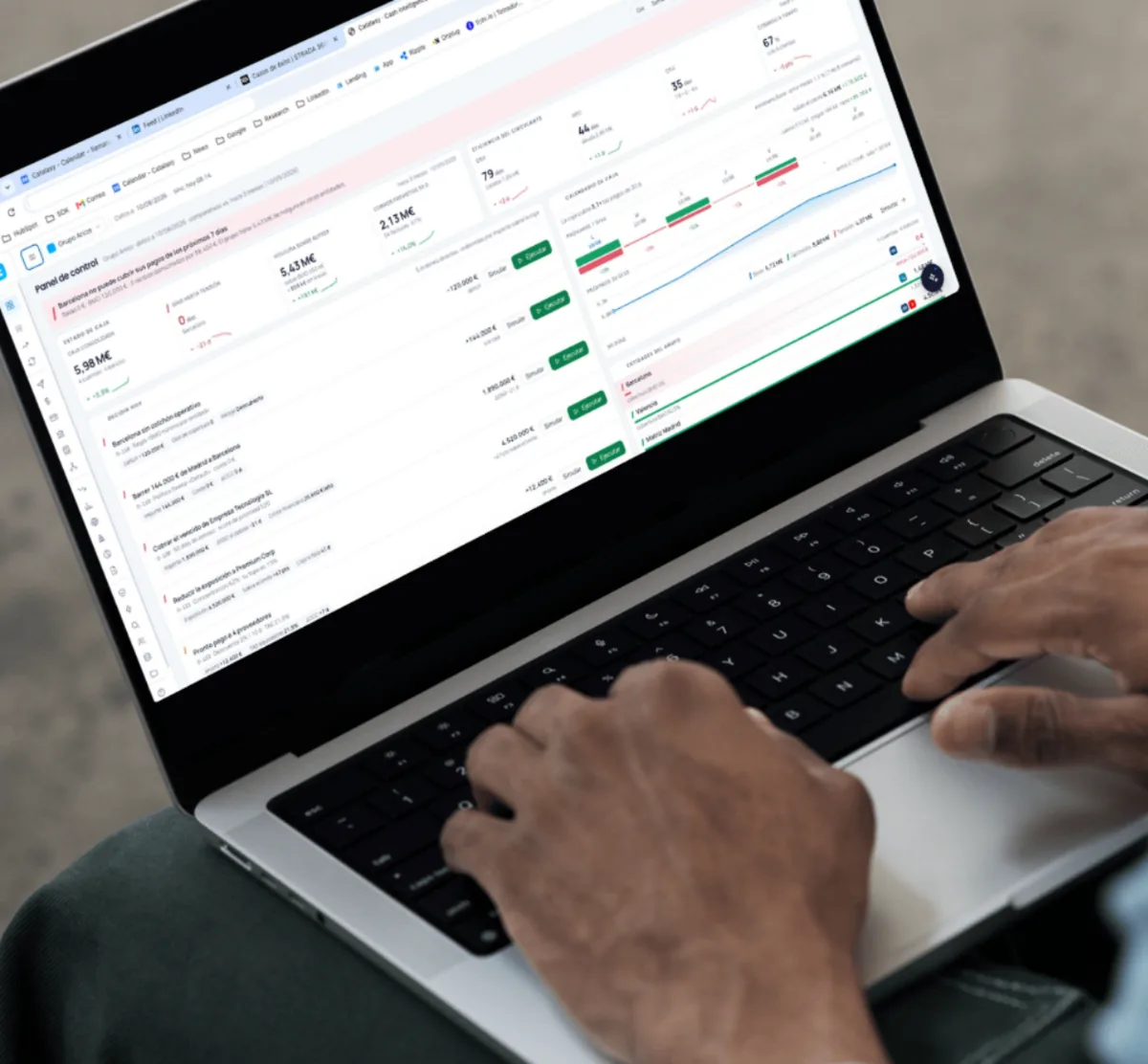
Catalaxy (Software)
Reconciliation, collections and reporting running on a schedule instead of on a finance team’s Monday, across close to twenty modules.
See the project
Atelier CRM (Software)
An ordering flow that took too many manual steps, reworked so staff of any age can place an order without help.
See the project
Investment
What decides the price of automating a process
Three things, mostly.
- How involved the process is, with its rules and its exceptions
- Which systems are involved, and whether they offer a sane way to connect
- Volume, and how much human review you want kept in the loop
To decide with your eyes open, hold the price against what doing it by hand costs you now. Hours a week on that task, times the loaded cost of an hour of your team, times 52. Add it up for each task that repeats. You are already paying that every year, even though payroll never shows it as a line item.
Your scope and your dates go in the written proposal, phase by phase.
Questions we get about process automation
What comes up on the first call, answered the way we answer it on the call.
Let’s talk about your projectYou do, and it says so in the contract before the first commit. That covers the source code, the configuration, the deployment scripts, the tests and the documentation. It lives in your repository, it runs on your infrastructure with credentials you issued, and the handover session is part of the project rather than something negotiated at the end of it.
It is designed to stop rather than improvise. Cases that match the rules run. Cases that do not get set aside with an alert to whoever owns that process, and they make the call. Every run is logged with its input and its output, so what happened and to which record is something you look up.
We do, and the alert reaches us as it happens. Our engineers work European hours, six ahead of New York and nine ahead of Los Angeles, so a flow that fails in the small hours on your side fails during our working day. The support agreement sets the response window and the name of the person you call.
The automation gets built on what you already run: your ERP, your CRM, your email, your store, your spreadsheets. We propose swapping a tool only when that tool is what blocks something important, and then you get the alternatives and the reasoning first.
RPA is one technique: a software robot imitates a person clicking through screens. We prefer to work underneath the screen, straight against the API or the database, because that holds up when a vendor moves a button. RPA stays on the table where no other route exists.
Then that is the recommendation you get, and we will help you set it up if you want. Those builders fit light volume between standard apps. Custom work earns its keep when the rules get complicated, when per-task pricing starts to hurt, or when one of your systems has no connector because nobody else runs it.
Next step
Start with the job that costs you the most hours
Tell us what repeats every week, who does it today and which systems it touches, as it actually is right now. We reply within one to two business days and walk you through what we would automate first, what we would measure, and what the first phase would cover.
Let’s talk about your project