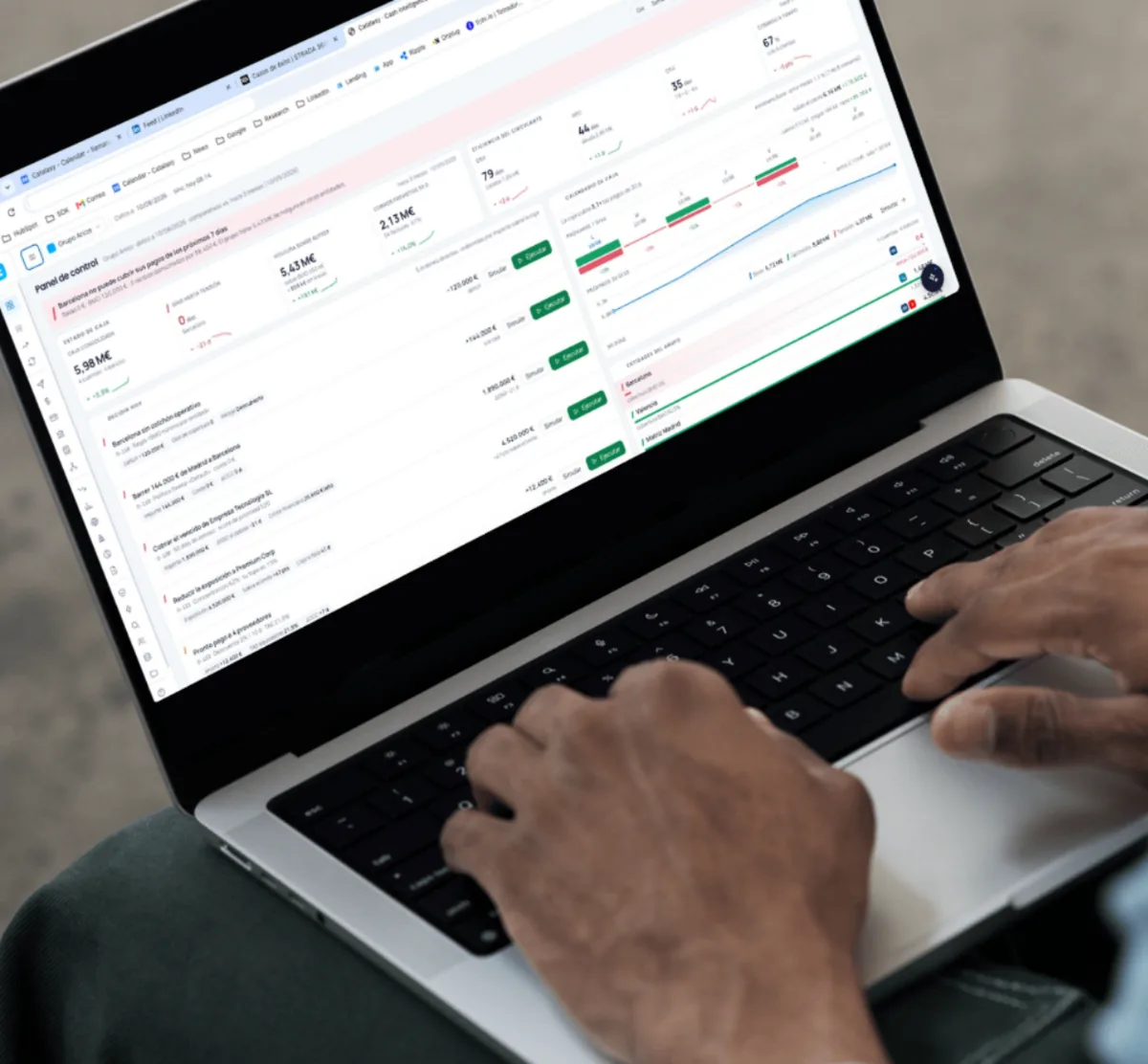




Carlos runs Atelier, which supplies workwear. His CRM sits behind an app we built for Torrecid: staff there request their work clothing, and he manages every dispatch from the other side of it. He came to us with a list of problems.
Where it started
The setup is worth understanding, because it explains why the interface mattered so much. The app sits with the workforce at Torrecid. Someone needs a new jacket in their size, opens the app and requests it. On the other side, Carlos sees the request, picks it, packs it and ships it, and he does that at a volume where the organization has to be exact.
Two very different users, then, on two sides of one system. One of them uses it a few times a year under time pressure on a shop floor. The other lives in it all day. A screen that works for Carlos can be unusable for the first group, and when it is, the order does not stop. It just stops going through the software.
The challenge
Two problems, stacked. The CRM had faults that got in the way of day to day dispatch. And the interface asked more of its users than it needed to, which is a real cost when the people placing orders span forty years of age range and very different comfort with software.
In an ordering tool, a confusing screen does not stay a design problem. It becomes a phone call to Carlos, and then a manual order, and then a dispatch that does not match what the system says.
How we worked
We started with the faults rather than the redesign. There is no point improving a screen that is about to lose the order anyway, and fixing the faults first also showed us which problems were actually bugs and which were people working around a confusing interface.
Then we watched where the requests were going wrong and changed those specific points. Not a rebuild. A set of targeted changes to the handful of screens where the drop-off was happening, which is the cheaper and safer way to improve a tool people depend on every week.
What we did
We fixed the faults first, because nothing else is worth discussing while the tool is losing orders. Then we went through the interface and reworked the points where people were getting stuck.
- Clearer screens. One job per view, with the next action obvious rather than inferred.
- Fewer steps. The frequent paths shortened, so a routine order stops feeling like data entry.
- Readable by anyone. Larger targets, stronger contrast and plain labels, tested against the way older staff actually use it instead of the way a designer assumes they do.
- Bug fixing and stabilization
- UX review of the ordering flow
- Interface rework
- Accessibility and readability improvements
- CRM and app integration work
What this one shows
This is the case to look at if you have working software that people avoid.
- We pick up other people’s code. This was not our build, and that was fine.
- Stabilize, then improve. In that order, always.
- Accessibility is commercial. Bigger targets and plainer labels are not a nice gesture. They are the difference between an order placed in the system and a phone call.
The result
The faults are gone and the tool asks less of the person using it. Carlos manages dispatch from a system that reflects what was actually ordered, which is the whole point of having one.
Services applied
- Optimization
- Mobile appsSee the service
- SoftwareSee the service